Incognito and history
Keep the conversations worth keeping, archive the rest, and use a temporary chat when nothing should be kept at all.
Every conversation you have with Corint is saved and titled automatically, and after a busy week the sidebar shows it. This page covers the three ways to deal with that: archiving, deleting, and starting a chat that was never meant to last.
History
History is the list at the bottom of the Corint sidebar, newest first, each chat named after its opening exchange. Hover a chat and a
button appears on the right of the row.
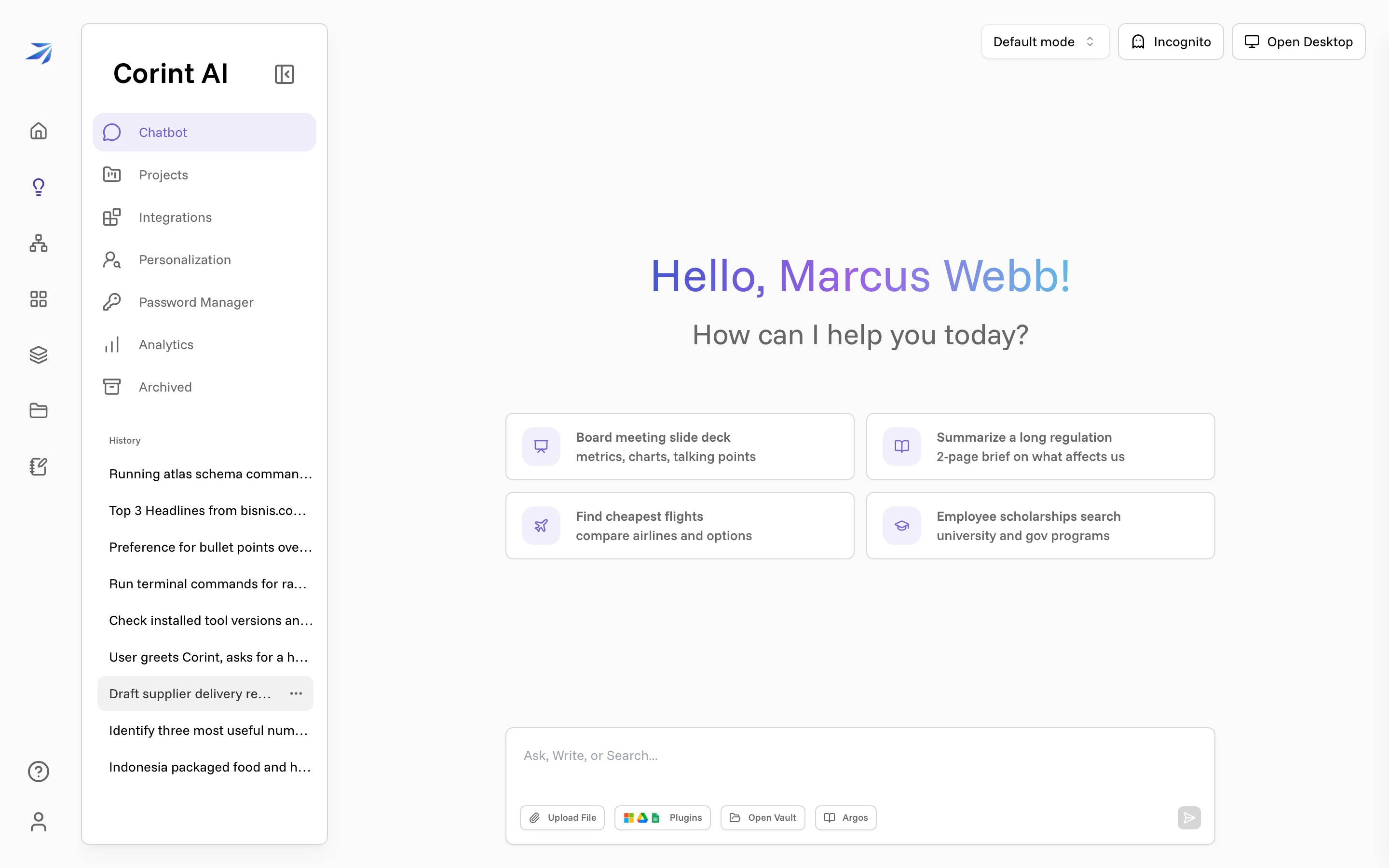
Click it for the chat's menu:
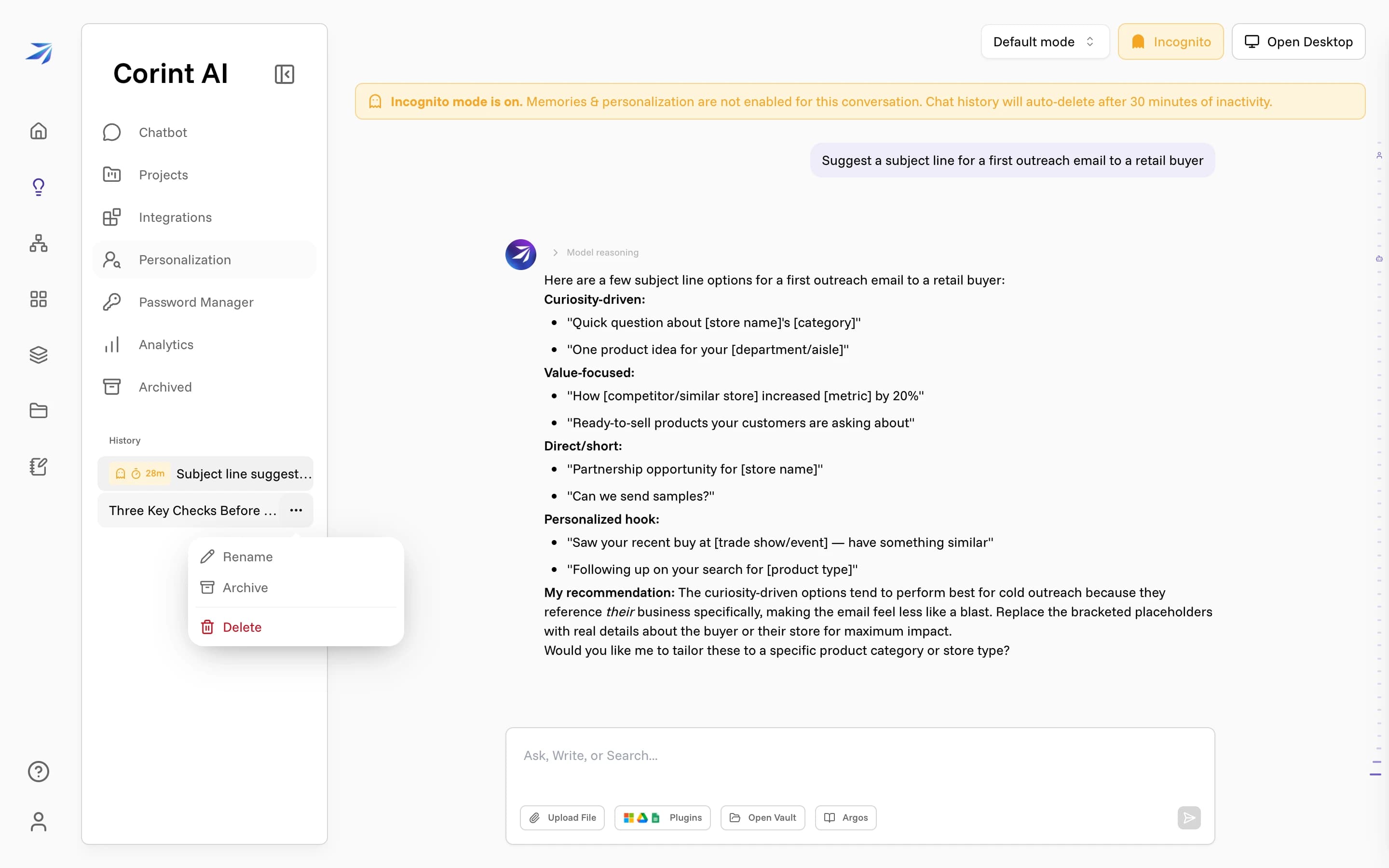
- Rename: replace the automatic title. Worth doing for anything you'll come back to; "Three Key Checks Before Opening a New Retail Account" is a fine title, but "Jakarta account checklist" is the one you'll search for.
- Archive: move the chat out of History. A Chat archived message appears with Undo archive in case that was a misclick.
- Delete: asks to confirm, then removes the conversation.
Archiving is a better way to clear up your history than deleting. The chat stays readable and searchable, but it leaves your working list, and it stops Corint from referencing it in the future: the Reference Chat History switch on the Personalization page only draws on "past non-archived conversations." Deleting is the permanent option — to remove everything at once instead, see Your Data.
Archived
Click Archived in the Corint sidebar and a panel slides in from the right.
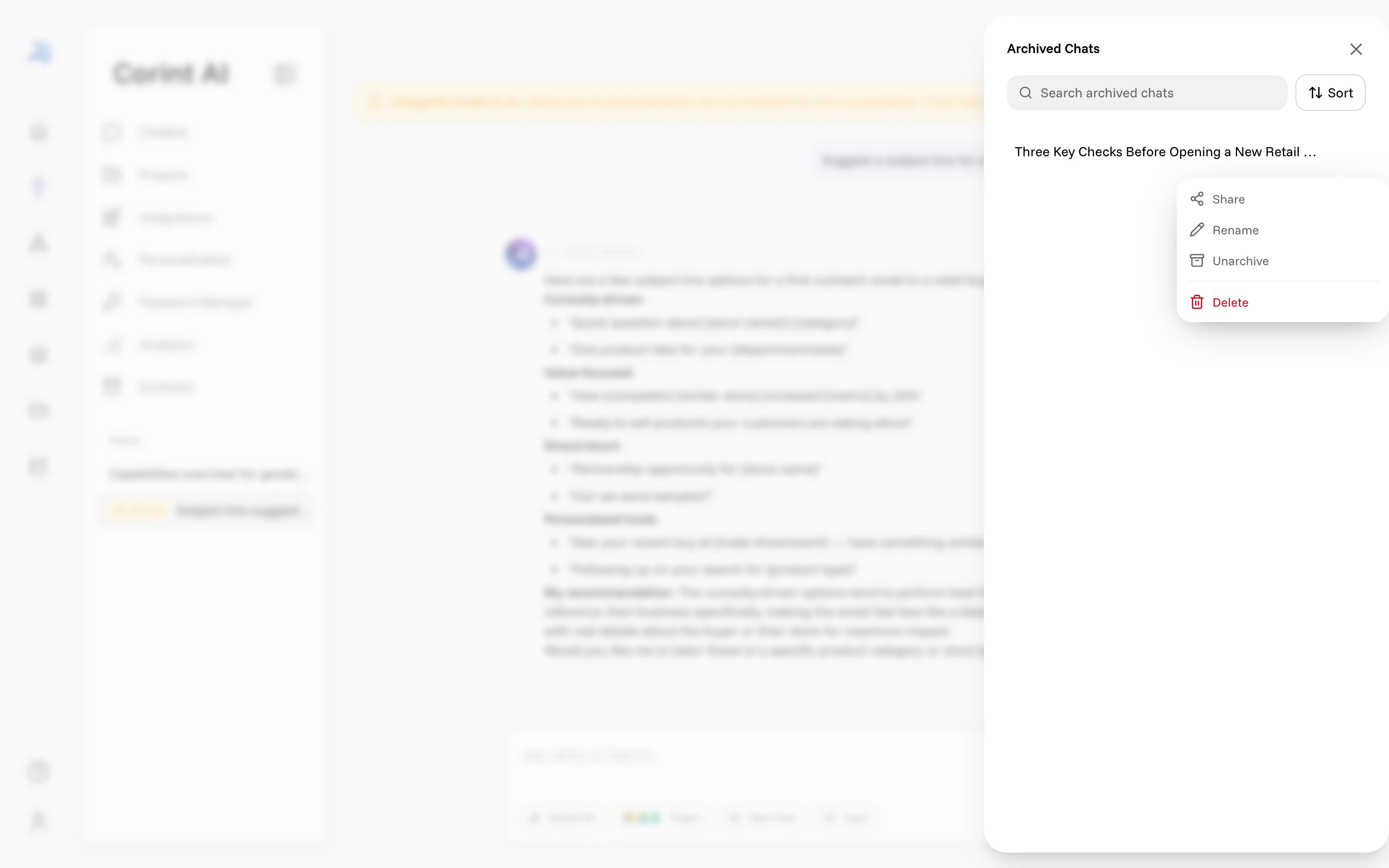
Search archived chats and Sort are there because the point of an archive is finding one thing again months later. The
button on an archived chat offers Share, Rename, Unarchive, and Delete — so nothing you archive is stuck there.
Incognito mode
Some conversations shouldn't outlive the hour: a draft of a difficult message, a salary question, a supplier you're only thinking about. Incognito in the chat header starts one of those.
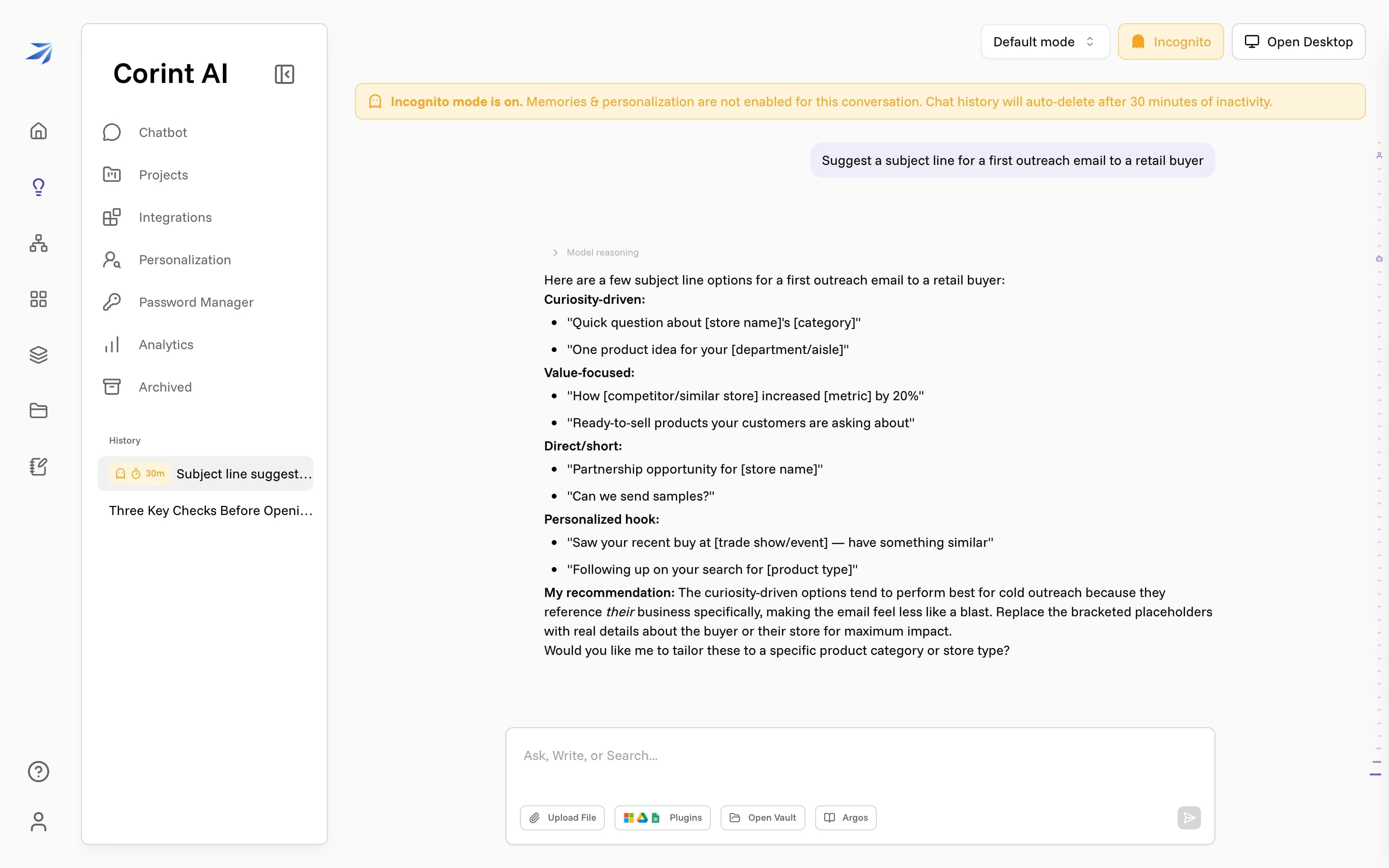
Turn it on and the header button turns amber, with a banner across the top of the conversation:
Incognito mode is on. Memories & personalization are not enabled for this conversation. Chat history will auto-delete after 30 minutes of inactivity.
Both halves matter. Nothing said here is kept as a remembered fact or shaped by
your personalization settings, and the whole conversation deletes itself half
an hour after you stop typing. While it's live, the chat sits in History with a
ghost icon and a countdown (30m, 29m, 28m). The timer resets each time
the conversation is active.
Click Incognito again to turn it off. The tooltip states what changes: "Click to allow memory & personalization for future messages."
What incognito covers is the conversation itself. Actions Corint takes during one are real: a file written to the Vault or an email sent from an incognito chat outlives the chat that asked for it.
Analytics
Analytics in the Corint sidebar shows your own usage over a Time Range (Last 7 Days by default), with a one-line summary generated from it at the top.
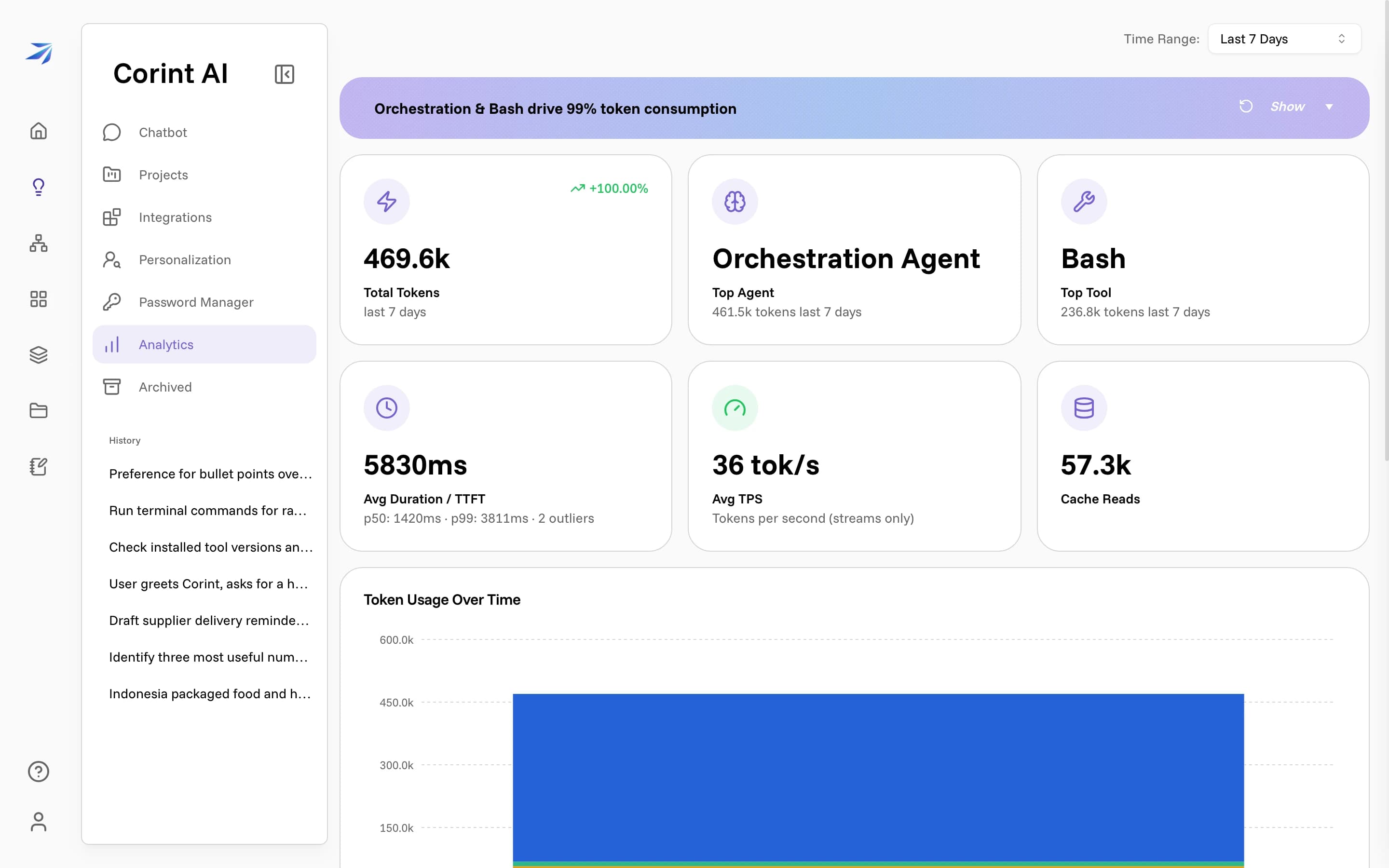
The tiles cover Total Tokens and the change since the previous period, Top Agent and Top Tool, Avg Duration / TTFT with p50 and p99, Avg TPS, and Cache Reads. Below them sit Token Usage Over Time, breakdowns of agent and tool usage, and Recent Workflow Activity.
Most people never need this page. It answers two questions when they come up: how much are we using this, and where is the time going. For what each tile means and what to do with the numbers, see Understand your Corint analytics.