Quickstart
Your first sign-in, the welcome tour, and one real question answered by Corint.
You have an account and you're looking at Futurity for the first time. This takes about five minutes and ends with a real answer to a real question.
No account yet? Access is by invitation, and someone at your organization issues it — Setting up your account walks through both halves of that.
The welcome tour
The first time you sign in, a tour opens on top of the home page.
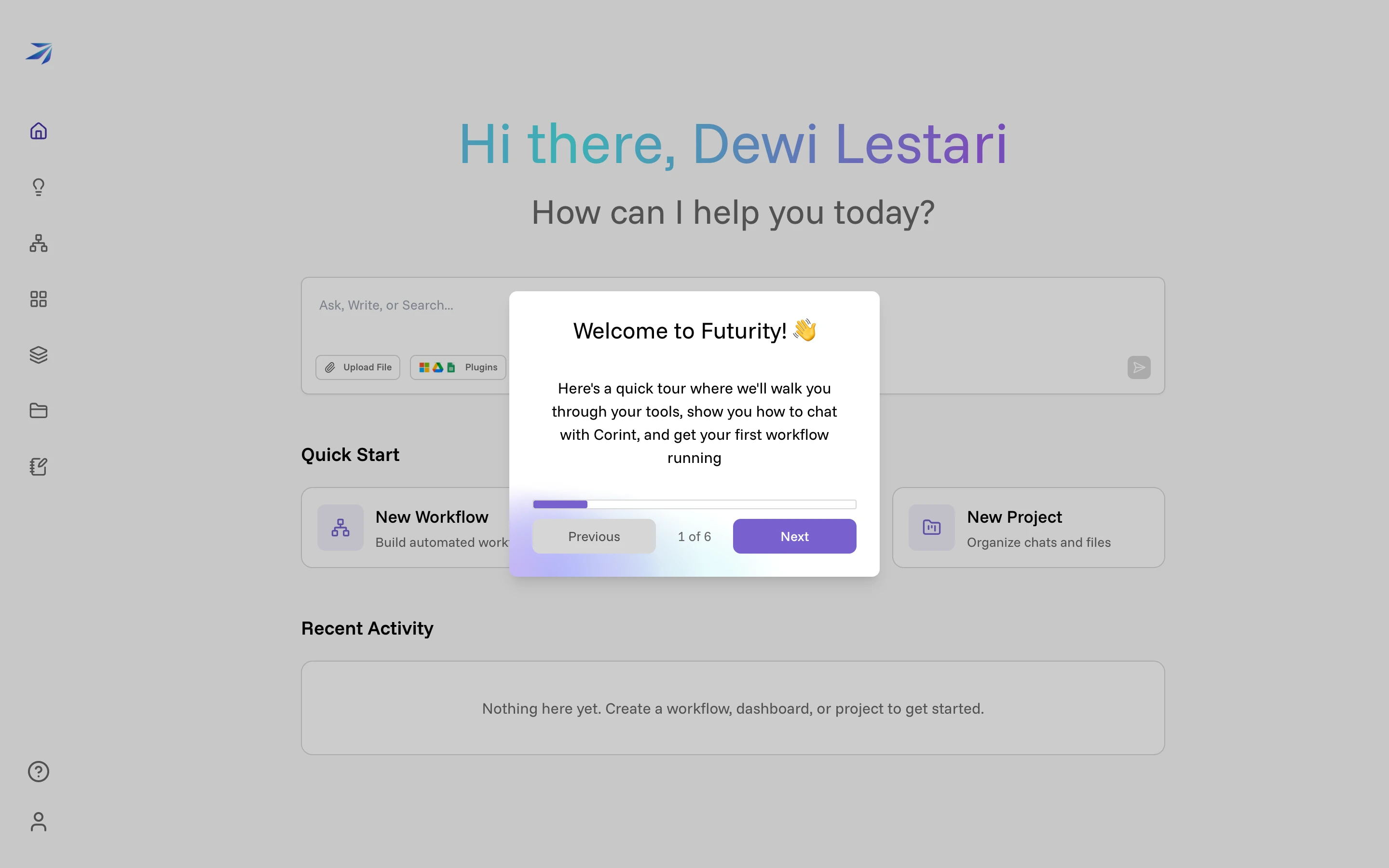
Next and Previous move between the cards, and a counter shows how far along you are. The tour moves you around the product rather than just describing it — by the second card you are looking at a real Corint conversation screen, with the tour pointing at the icon that got you there.
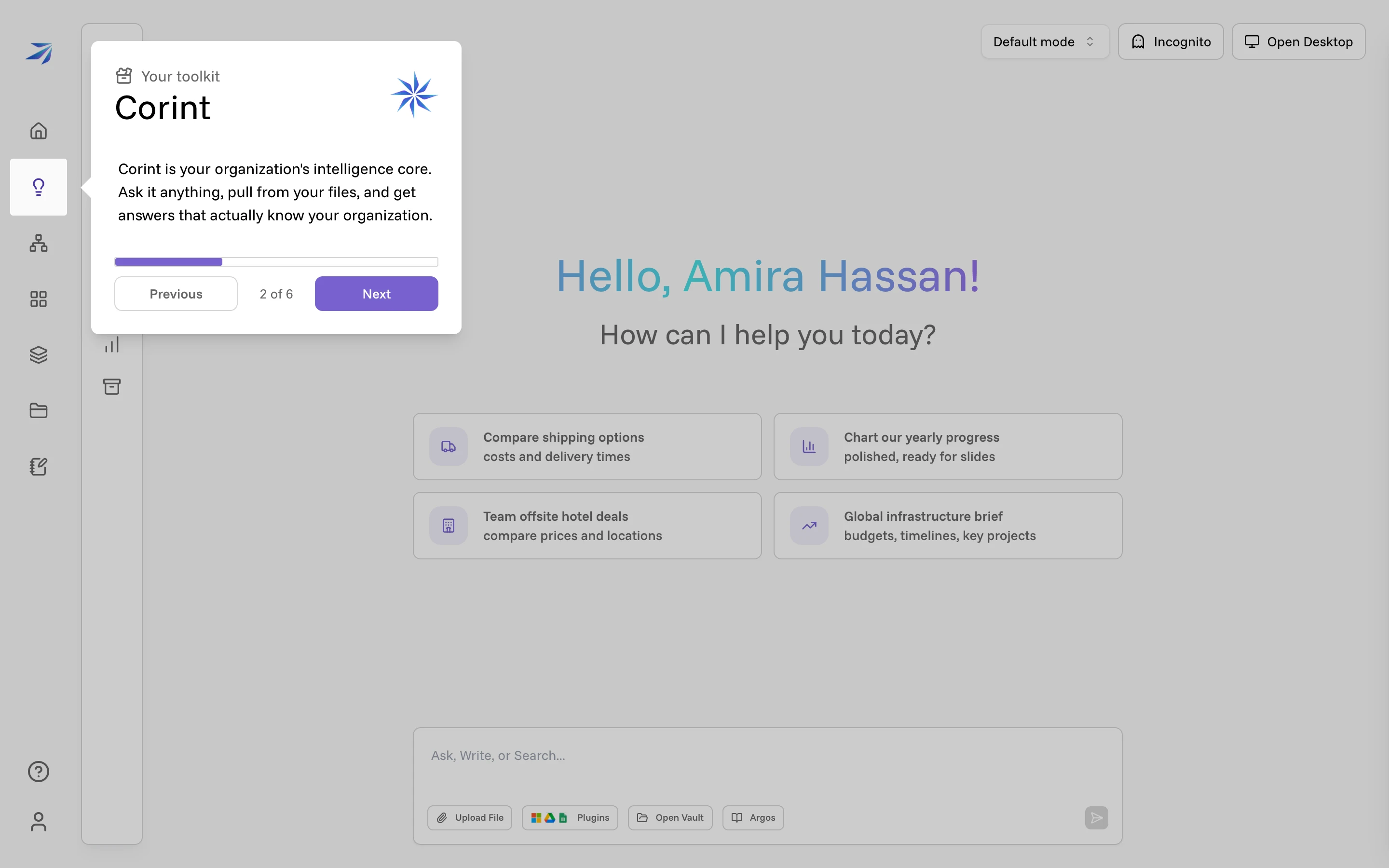
The cards cover Corint, the example prompts, what a conversation can do, and how workflows turn an answer into something that runs on its own. Skip it if you like — nothing depends on finishing it.
Ask Corint something real
Click Corint in the left rail. A new conversation offers four example prompts, and the box at the bottom takes anything you type.
The best first message is not a test. Ask the thing you would actually ask a new colleague on their first day. Tell it who you are:
What can you help me with? We are a goods distribution company.Press send and the answer streams in.
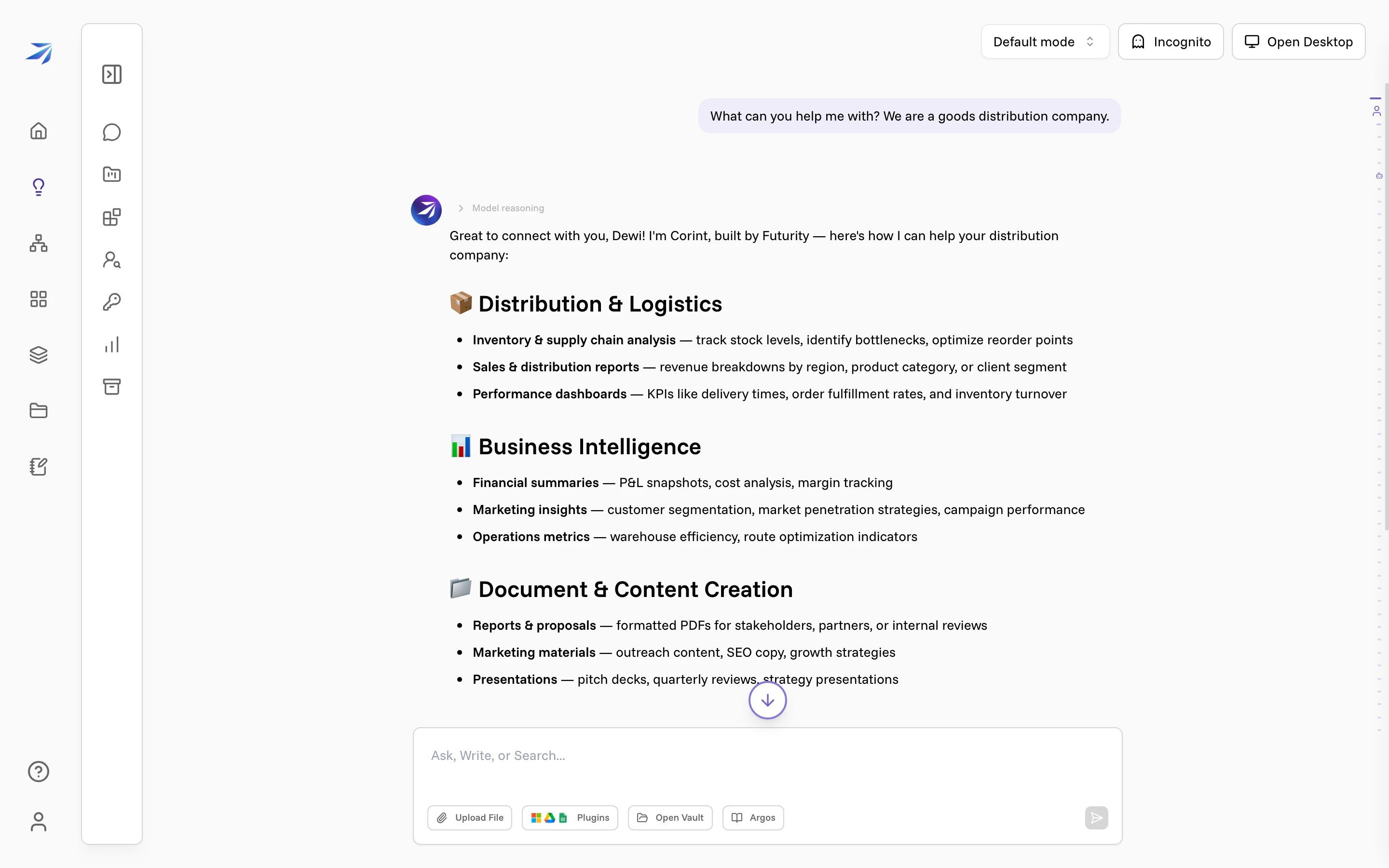
Two things are worth noticing in that answer. It knows where it is: it greets you by name and answers about distribution, because Corint can see the context your company has given it. And above the text sits a Model reasoning row you can expand to read how it got there.
Keep going in the same conversation. Follow-ups are cheaper than starting over, because everything already said stays in context:
Draft a weekly stock-status email for a warehouse team of six.Pick your direction
Where you go next depends on what you came here to do:
- You want answers about your own files and data. Read Introducing Corint, then Files and context to hand it a spreadsheet and work through it together.
- You want to stop doing something by hand every week. What are workflows? explains when a workflow beats a conversation, and Your first workflow! builds one end to end.
- You want a page of live numbers instead of a report request. Start with Dashboards and widgets.
- You administer Futurity for your company. Managing your organization and Roles and permissions are the two pages to read first.
Not sure which of those you are? What is Futurity? maps every area of the product in a couple of minutes.
Replaying the tour
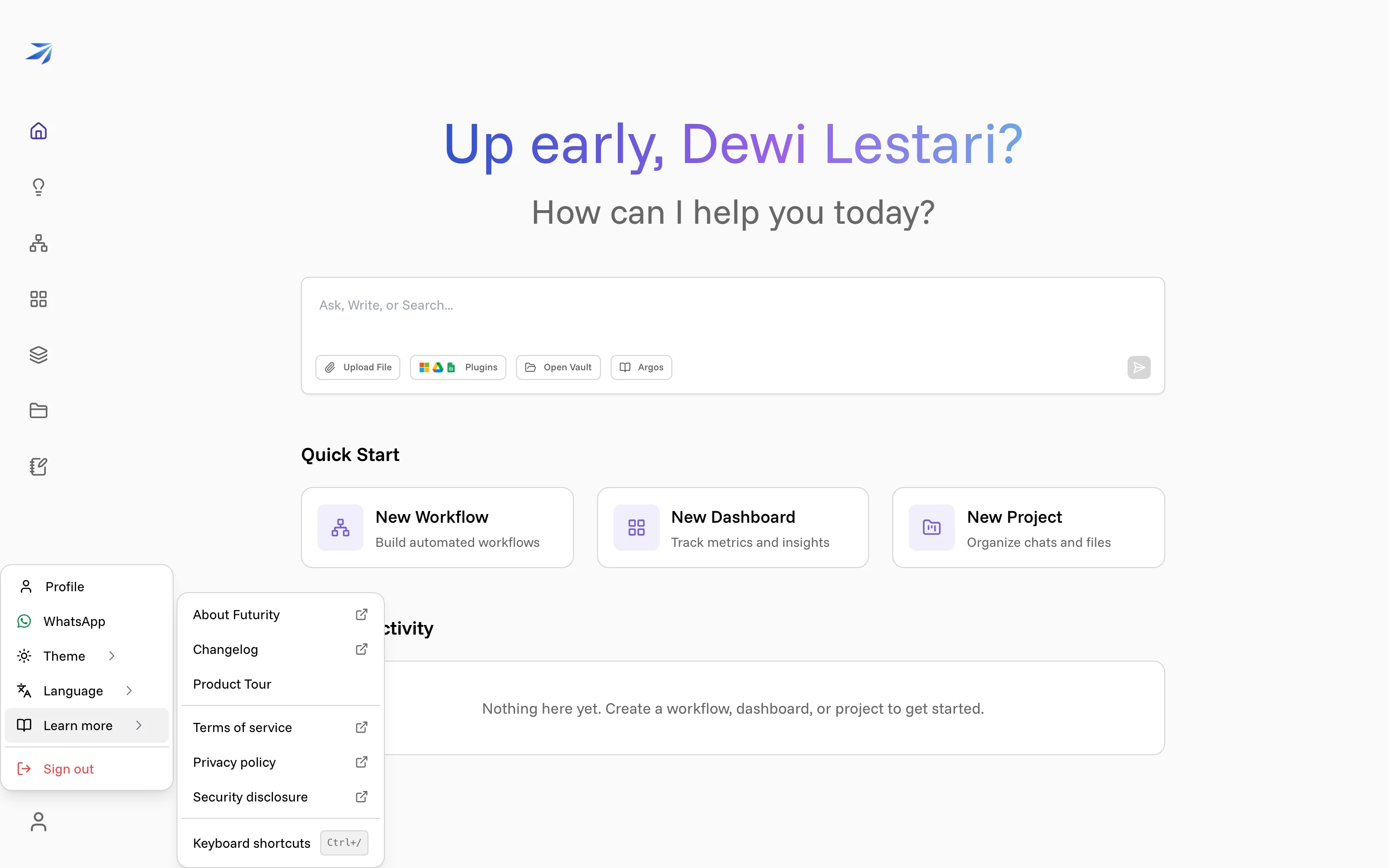
The tour is always available: User menu → Learn more → Product Tour. The same menu holds the changelog, the keyboard shortcut list, and links to the terms and privacy pages.